Homelab - Part 2 - High Availability + Grafana & Prometheus
HA + metrics & dashboards
· 4 min read
Over the holidays I spent a good amount of time working on my single-node homelab (Raspberry Pi 5). The goal was to get Prometheus & Grafana up and running in the cluster with a subset of dashboards to capture overall cluster state. For that, I chose to go with kube-prometheus-stack and installation was straightforward.
Despite the straightforward setup, I started seeing an issue where k3s was consuming all of the CPU, throttling all other processes, going into temperature exhaustion throttling, and infinitely restarting the Raspberry Pi.
This was frustrating because I didn’t have a good way to interrupt the process other than SSHing into the machine during the exact 30-60 second window where CPU wasn’t maxing out and killing the systemd service. It took me about 30-45 minutes to observe what was happening, inspect logs, research the k3s GitHub repo, SSH at the right time window, and kill the process.
The culprit was k3s using SQLite out of the box for cluster persistence. The fix? Switching to etcd #11251.
Running k3s with --cluster-init switches to etcd. This made the Pi go from 80-100% CPU usage to 5-20%:
k3s server --cluster-initOnce that was out of the way and the problem fixed a few things I already knew came back to haunt my homelab:
Yes, it’s a single node cluster. If the node fails, I’m out of luck.
I eventually want to get into hosting a NAS server, Proxmox, etc., and a single Raspberry Pi is not going to cut it.
VPS Hosting #
My first reaction was to shop online and extend my tailnet with a Virtual Private Server.
There are tons of VPS providers out there, and luckily I had starred a GitHub repo dedicated to crowdsourcing that information: Cloud Free Tier Comparison.
Logically, I wanted this to be free of charge, so I did end up signing up for the Oracle free tier but cancelled within the first two hours since any of the “free tier available” zones were out of capacity. It’s what they say: “If it’s free, you’re the product.”
After that, I set myself a $5-8/month budget and ended up getting a Hetzner server. Setup was straightforward. Installing Tailscale and k3s-agent was a breeze, and in less than 5 minutes I had another node in my cluster.
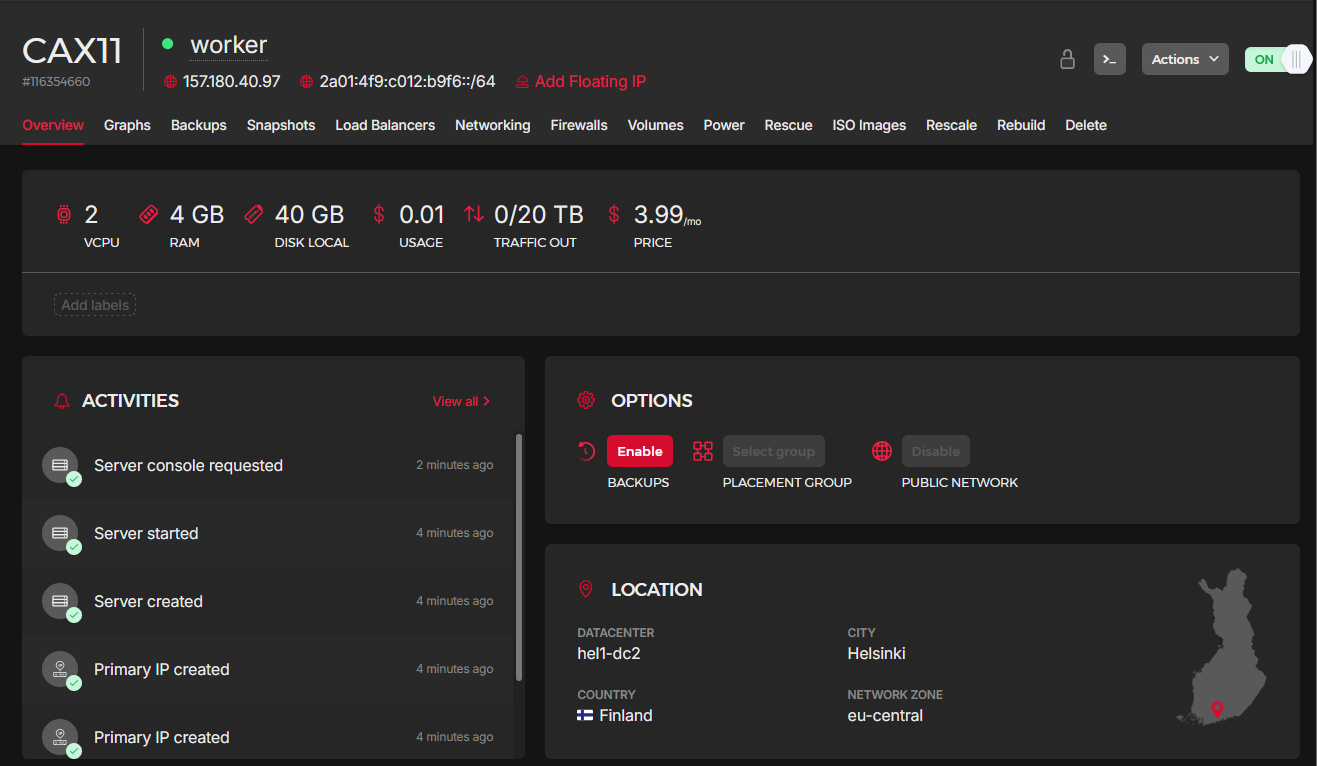
But after a little bit of toying with it, the VPS didn’t cut it for me either. I simply want to have full control of the server. So I did bump up the budget a little bit :) and went shopping for a physical machine.
Purchasing Another Server #
So then I went researching for an additional server: r/homelab, r/selfhosted, r/minilab, Amazon, Newegg, eBay, Discord, etc.
After a couple of hours I chose the: HP EliteDesk 800 G2 Mini 35W Desktop i5-6500T@2.5GHz 16G DDR4 256G SSD WiFi for $99.
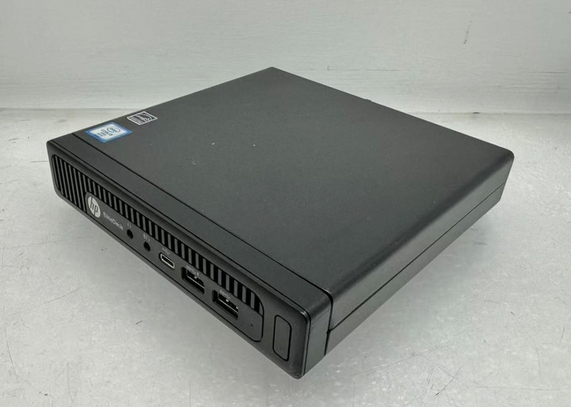
Sure it’s a little bit dated, but good enough as an additional server for my homelab. I also have never owned a mini PC, and thought they looked pretty cool!
How about the Pi? #
The Raspberry Pi will still be part of the homelab hosting a subset of the k8s services but starting this 2026 I’ll finally get into GPIOs and hardware automation. I’ve purchased a breadboard kit and plan on playing around with sensors, lights and Home Assistant.
Grafana + Prometheus (Finally) #
I did end up getting Grafana & Prometheus working and surfacing metrics for a lot of my most important services as well as cluster/node stats.
One thing that was quite annoying was the fact that hard refreshes in ArgoCD caused the Grafana admin password to change because of the lookup Helm function, which caused the Grafana deployment to do a rolling restart since the secret checksum changed. Issue #5202 summarizes the problem well.
I ended up just ignoring differences to the secret in question:
ignoreDifferences:
- kind: Secret
    name: monitoring-grafana
    namespace: monitoring
    jsonPointers:
- /dataFinally, here’s one of the pretty dashboards I get to look at now :)

Moral of the story: trying to host a new set of services might cause you to end up buying a new server. Cheers!